
As a manager, you can create career paths for your direct reports in Quinto. Setting up these paths creates a shared reference point for development discussions and helps employees see how their daily tasks connect to longer-term roles.
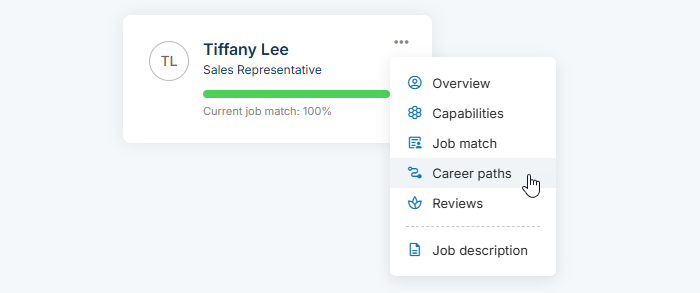
To view and create paths for a direct report, click My team in the top nav. Click an employee’s 3-dot icon and select Career paths in the dropdown.
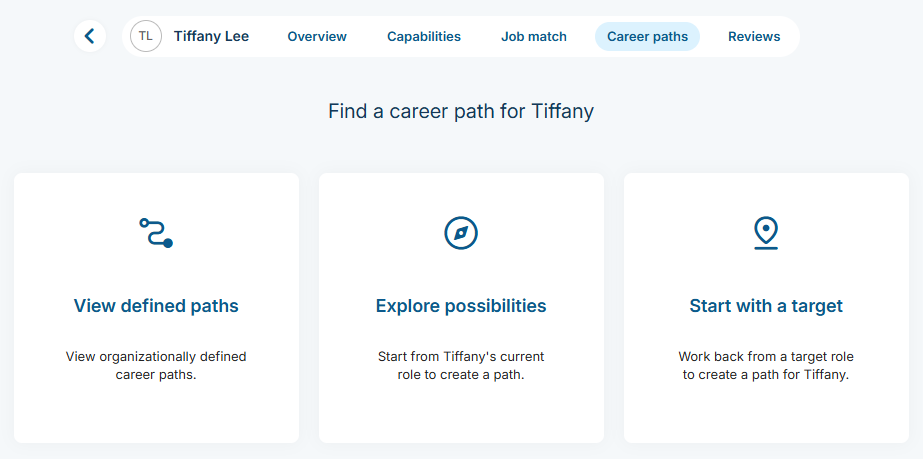
You’ll see any paths the employee has shared with you. If a path is saved, click +Add path to add another one. If no paths exist yet, the page will automatically show up to three available options. Learn more about these options in the Create your own career path article.
Any paths you save will be automatically shared with your direct report. They’ll receive an email with the path name and a link to view the path.