Available on Plus and Compliance plans
-
Click Libraries in the top nav.
-
Click Competencies and select Surveys in the drop-down.
-
Click the name of your survey in the table.
-
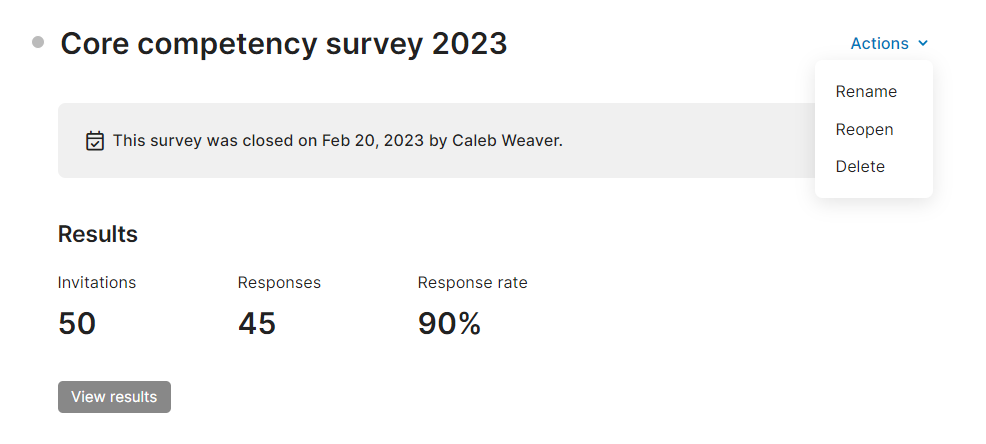
Click Actions on the top right of the page.
-
Select Reopen in the drop-down.
-
Click Reopen to confirm.